Wired Noise-Cancelling Gaming Earphones: Zero-Lag Focus
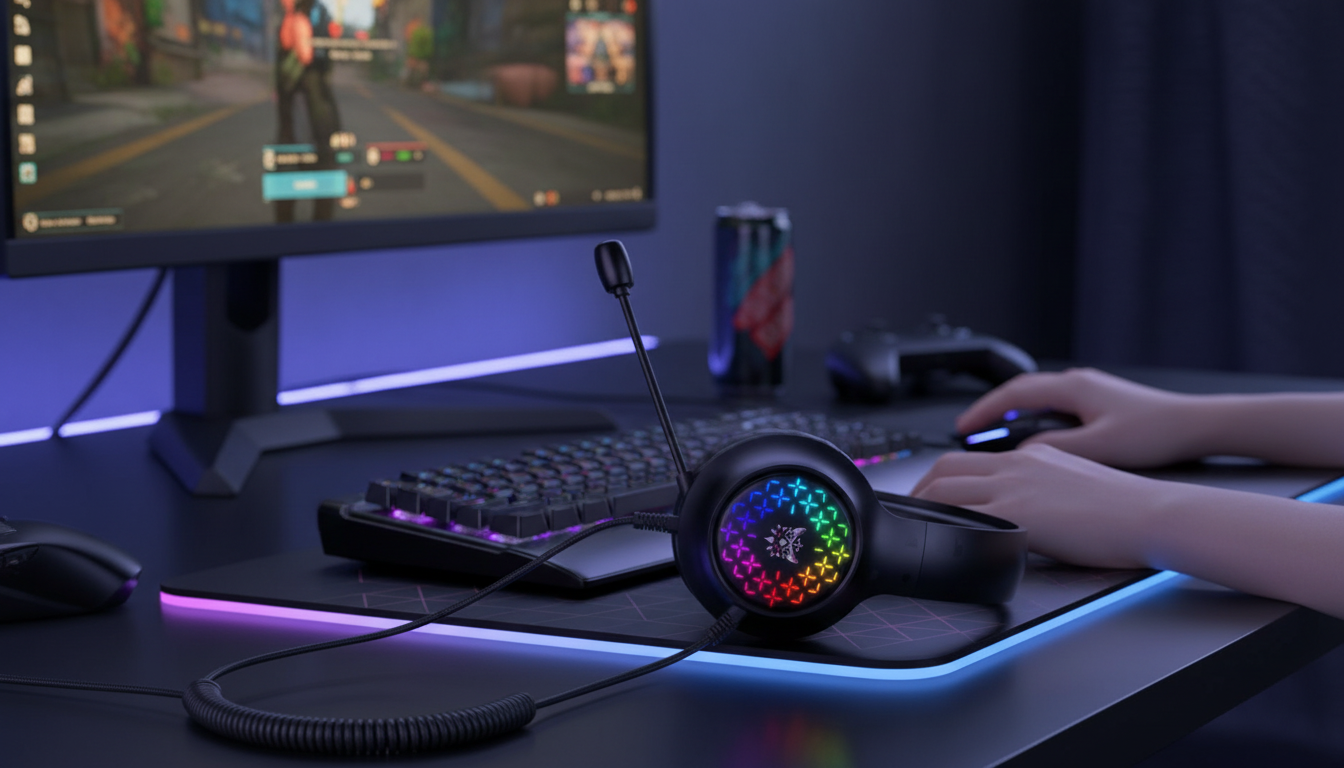
Wired Noise-Cancelling Gaming Earphones for Focused, Lag-Free Play
Wired gaming earphones with noise reduction help keep attention on footsteps, callouts, and timing—without battery anxiety or wireless delay. They’re also easy to toss in a bag for commuting, dorm life, or late-night play when you want clear audio at a lower volume. Below is what actually matters for competitive sessions, how “noise cancelling” works on many wired models, and how to get a comfortable fit with reliable voice chat.
Why wired earphones still win for competitive sessions
When quick reaction cues decide rounds, wired audio is still the simplest way to keep sound consistent and predictable.
- Stable connection with consistent timing: A direct cable connection avoids most of the latency and dropouts that can happen with wireless—especially noticeable in shooters, rhythm games, and fast parry windows.
- No charging cycle: Plug in and play for marathon sessions, travel days, or quick matches without checking battery percentages.
- Broad compatibility: Many controllers, handhelds, laptops, and desktops still support 3.5 mm audio (and adapters can bridge most phones).
- Portable comfort: Earphones are often lighter than full headsets and easier to pack, while still giving a sealed, immersive sound.
Noise cancelling vs. isolation: what to expect
“Noise cancelling” gets used loosely in product descriptions. For many wired earphones, the biggest real-world improvement comes from the seal created by the ear tips rather than active electronics.
- Passive isolation comes from the ear tip seal and typically reduces higher-frequency sounds like nearby voices, key clicks, or a TV in the room.
- Active noise cancelling (ANC) uses microphones and processing to reduce steady low-frequency sounds (fan hum, engines). True ANC is less common in budget wired models and may require power or introduce slight hiss.
- Call-focused “noise reduction” may refer to mic processing that cuts background noise for clearer voice chat. Results vary, and aggressive settings can make voices sound thin or clipped.
- Fit beats specs: Correct tip size and insertion depth usually make a bigger difference than any stated dB number.
| Feature | Best for | What to watch for |
|---|---|---|
| Strong passive seal (ear tips) | Blocking nearby chatter and improving bass | Discomfort if tips are too large; weak seal if too small |
| Mic noise reduction | Clearer voice chat in noisy rooms | Can clip quieter voices if set too aggressively |
| True ANC (rare on wired) | Reducing engine/fan hum | May require power/battery; may introduce slight hiss |
Sound cues that matter in games
Competitive audio is less about “big bass” and more about separation and control. A good seal helps bass sound fuller without needing to crank volume.
- Footsteps and positional cues: These live largely in the mids and upper mids. Overboosted bass can mask the detail that tells you “left stairwell” vs. “behind the wall.”
- Imaging and separation: Cleaner separation helps identify multiple sound sources during ability spam, team fights, and layered ultimates.
- Volume discipline: Louder isn’t always clearer. With a proper seal, you can hear more detail at a safer listening level.
- Quick EQ idea (if available): Try a small cut in the boomy bass region and a mild lift in the upper mids to bring out footsteps and callouts without making gunshots painful.
Microphone and controls for voice chat
Clear comms are as important as clean audio. A few setup habits can reduce the “muffled mic” complaints that derail team play.
Comfort and fit for long sessions
Device compatibility checklist
| Setup | Likely connection | Possible extra needed |
|---|---|---|
| PlayStation / Xbox controller | 3.5 mm TRRS | None (adjust headset settings if mic not detected) |
| Gaming laptop | 3.5 mm combo jack or separate ports | Splitter if separate mic/headphone ports |
| Phone with USB-C | USB-C to 3.5 mm adapter | Adapter that supports TRRS mic passthrough |
| Desktop PC | Front-panel jacks | Splitter or USB sound card for cleaner input |
Product spotlight: Wired Noise Cancelling Gaming Earphones
If you want a straightforward, plug-in setup for gaming, commuting, and everyday listening, Wired Noise Cancelling Gaming Earphones are a budget-friendly pick that keeps things simple: no charging, no pairing, and no worrying about wireless interference. As with most wired “noise cancelling” earphones, the noise reduction experience depends heavily on tip seal and fit—so take a minute to try different tip sizes and reseat them until the bass sounds even and the outside world drops away.
More in-stock picks from our shop
- Shine in Any Conversation with AI (Digital Download)
- Learn Smarter with AI Simulations Checklist (Digital Download)
Safer listening for long sessions
A sealed fit can help you hear detail at lower volume, which is a smart habit for long nights and daily commutes. For practical guidance on noise exposure and hearing conservation, see resources from NIOSH and OSHA.
FAQ
Do wired earphones have less delay than wireless for gaming?
Usually, yes—wired connections typically avoid Bluetooth latency and codec-related delay. While perceived delay can still depend on the device and settings, a wired plug-in setup is generally the safest option for timing-critical play.
Will noise cancelling block teammates or in-game chat?
Noise reduction mainly affects outside sounds, not the game audio itself. If chat feels hard to hear, adjust the game/chat mix and overall volume; a strong ear tip seal often makes voices and cues clearer at lower volume.
Why does the microphone sound muffled on some devices?
Common causes include TRRS compatibility issues, adapters that don’t pass microphone audio (USB-C/Lightning), the wrong input being selected, or a PC needing a splitter for separate mic/headphone ports. Check input settings first, then swap adapters/splitters to confirm the mic path is correct.






Leave a comment